
The journal
How do I recalibrate my scale?
Practical steps to recalibrate kitchen and bathroom scales, when to re-zero, and how to verify accuracy at home.
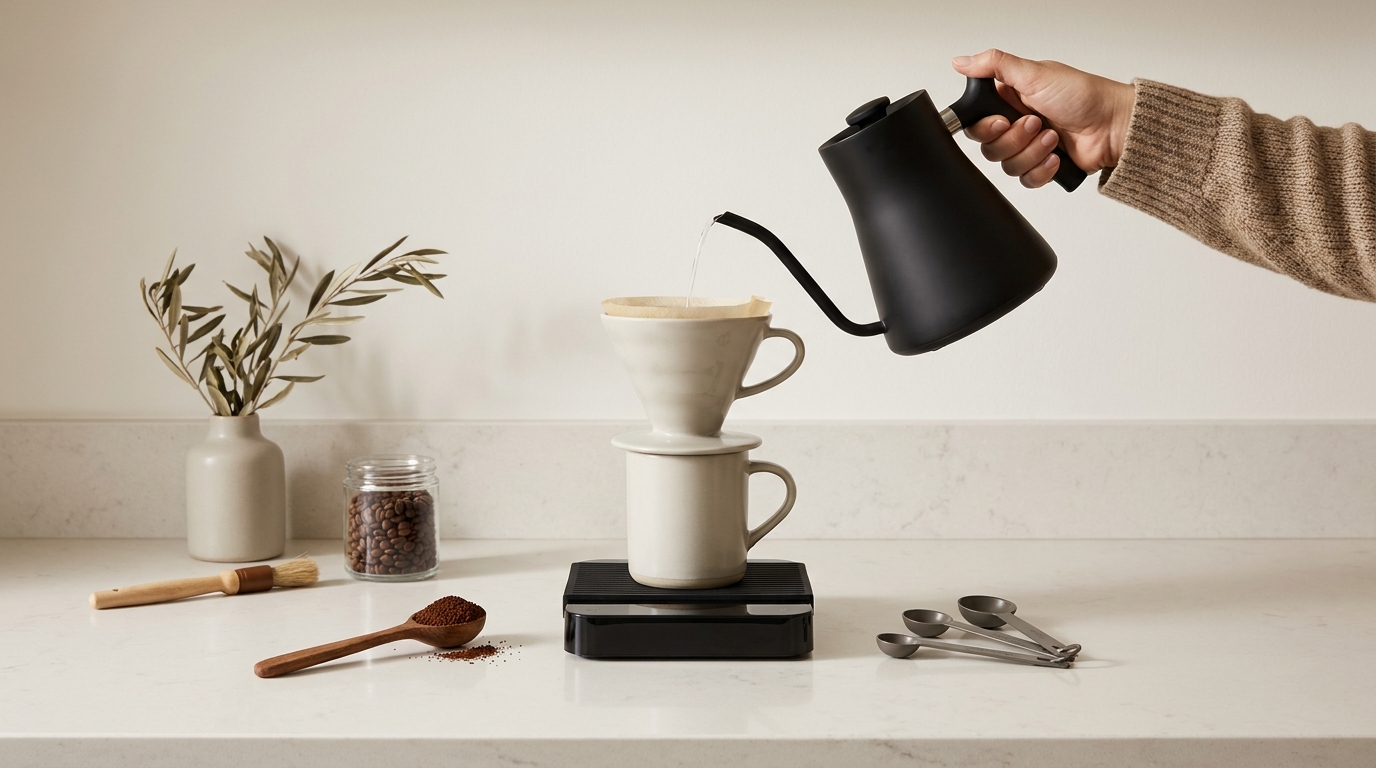
Short answer: Find your scale’s specific calibration procedure and required calibration weight in the manual. For kitchen and gram scales, enter the model’s CAL or similar mode and place the exact reference mass when prompted. For most bathroom and smart scales, place the scale on a hard, level floor, power on until 0.0, do a brief step-on/step-off to re-zero, then verify with a known weight like a dumbbell (https://awscales.com/american-weigh-scales-blog/how-to-calibrate-a-digital-scale/?srsltid=AYCX9vK47ujxu8G7DOyQfjepd2k2k7OskArv6-3b2v5RTr0zuu8oxkau) (https://www.theexaminernews.com/buying-guides/how-to-calibrate-a-digital-bathroom-scale/) (https://www.eufy.com/blogs/eufy-guides/how-to-calibrate-smart-weigh-scale).
Before you start: set up the environment
Accuracy starts with where and how the scale sits. Put it on a flat, rigid, vibration-free surface, clean the platform, and let the device stabilize before any procedure. Avoid drafts and nearby motors, and check that batteries or power are healthy (https://www.dscbalances.com/blogs/articles/how-to-calibrate-a-scale-for-grams-accurately?srsltid=AYCX9vJKz_cYY0By4rh_gnlBx8nTXWk6QTErN6z2ImUQFNvrAR4Crsfh) (https://awscales.com/american-weigh-scales-blog/how-to-calibrate-a-digital-scale/?srsltid=AYCX9vK47ujxu8G7DOyQfjepd2k2k7OskArv6-3b2v5RTr0zuu8oxkau).
Calibrating a digital kitchen or gram scale
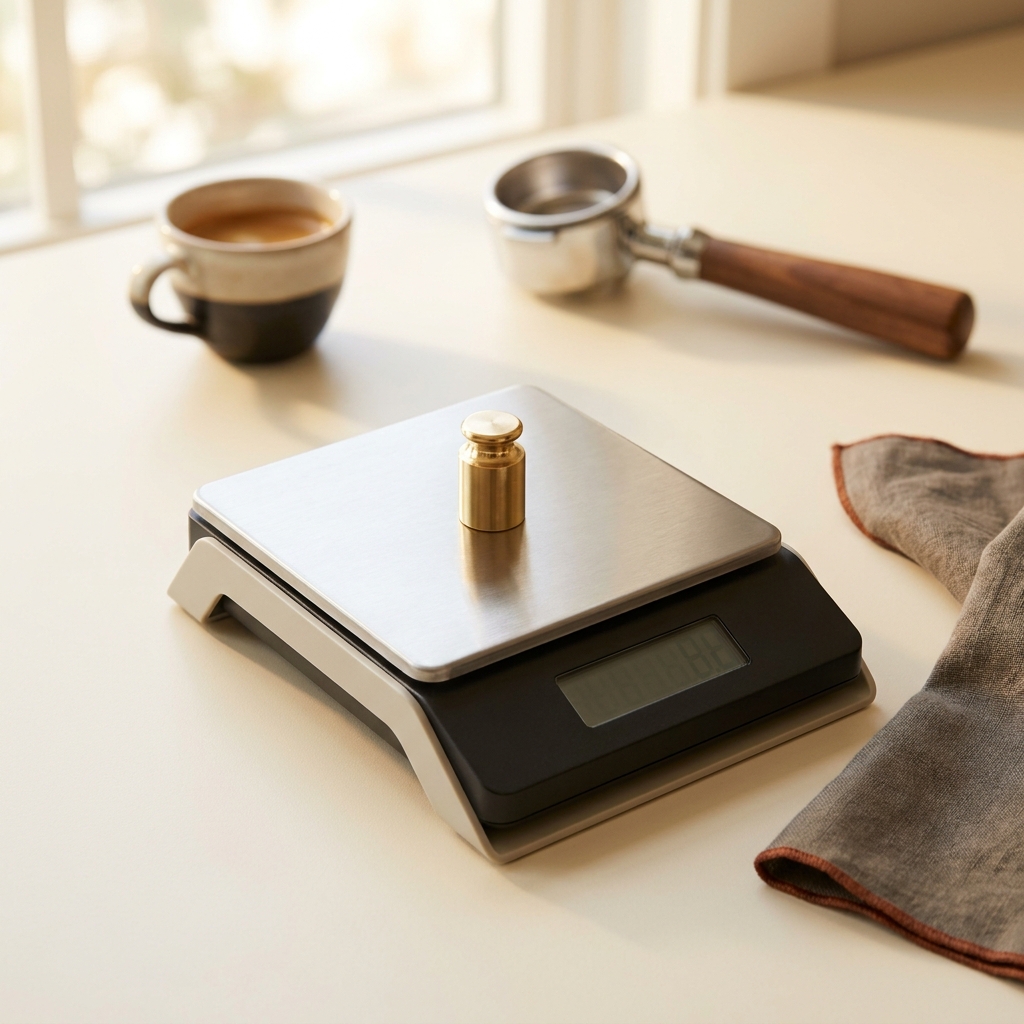
There’s no universal button sequence. Identify your exact model, then follow its procedure and use the specified calibration weight; using the wrong mass will miscalibrate the scale (https://awscales.com/american-weigh-scales-blog/how-to-calibrate-a-digital-scale/?srsltid=AYCX9vK47ujxu8G7DOyQfjepd2k2k7OskArv6-3b2v5RTr0zuu8oxkau).
Typical sequence that many models follow
- Place the scale on a hard, level surface; clean the platform and power it on. Let the display stabilize at zero (https://www.dscbalances.com/blogs/articles/how-to-calibrate-a-scale-for-grams-accurately?srsltid=AYCX9vJKz_cYY0By4rh_gnlBx8nTXWk6QTErN6z2ImUQFNvrAR4Crsfh).
- Enter calibration mode per your manual (often a CAL/MODE/UNIT button or a startup key combo). Wait for the prompt that shows the required weight value (https://awscales.com/american-weigh-scales-blog/how-to-calibrate-a-digital-scale/?srsltid=AYCX9vK47ujxu8G7DOyQfjepd2k2k7OskArv6-3b2v5RTr0zuu8oxkau).
- Gently place the exact specified calibration weight centered on the platform and wait for the completion message. Remove the weight and return to weighing mode (same source).
- Verify with a separate known weight to confirm repeatability; if results drift, re-check surface, batteries, and try again (https://www.dscbalances.com/blogs/articles/how-to-calibrate-a-scale-for-grams-accurately?srsltid=AYCX9vJKz_cYY0By4rh_gnlBx8nTXWk6QTErN6z2ImUQFNvrAR4Crsfh).
Tip: Do not use coins or food packages to perform the actual calibration. They’re fine for a rough check, but they’re not suitable references for true calibration (https://awscales.com/american-weigh-scales-blog/how-to-calibrate-a-digital-scale/?srsltid=AYCX9vK47ujxu8G7DOyQfjepd2k2k7OskArv6-3b2v5RTr0zuu8oxkau). For coffee workflow context, see our related piece: Do I need a coffee scale for espresso?
Resetting and checking bathroom or smart body scales
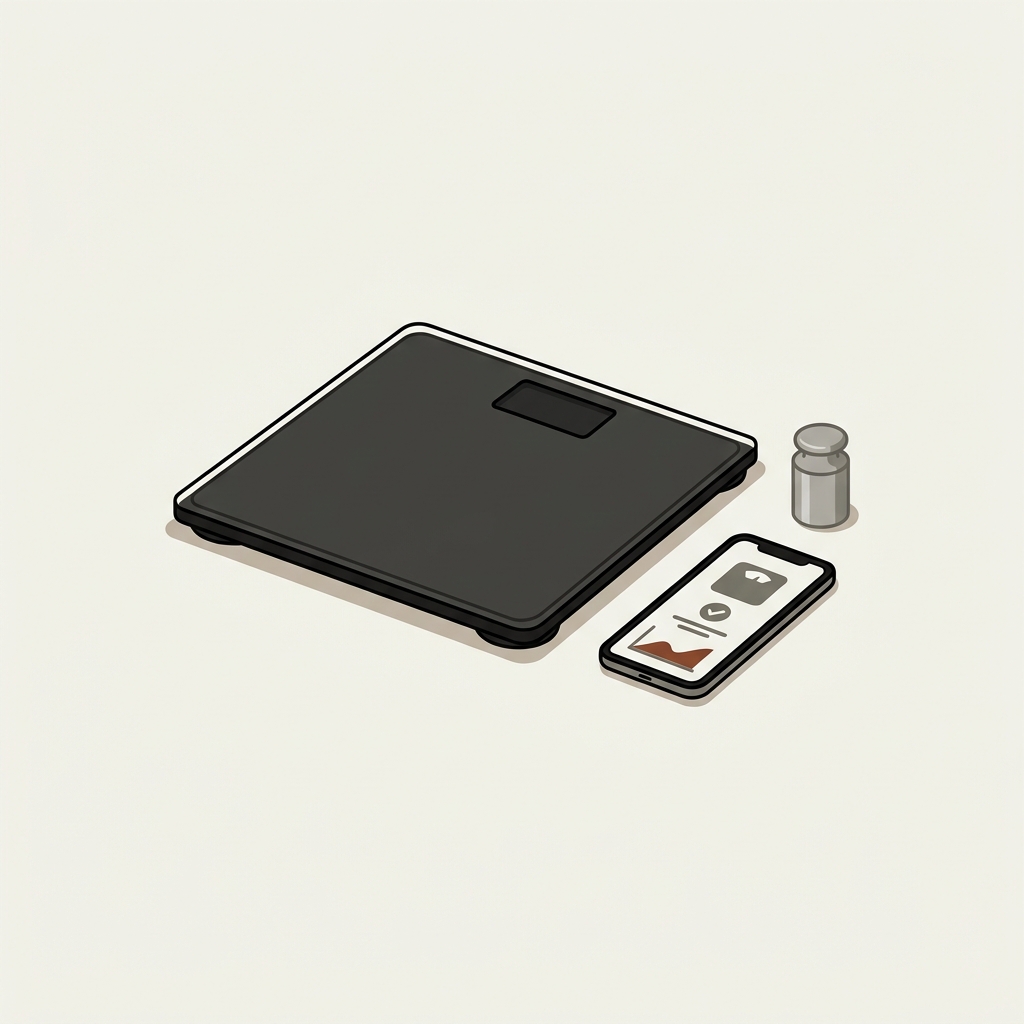
Most consumer bathroom scales don’t expose a manual calibration menu; they use an automatic zeroing process instead. On a hard, flat floor, power the scale on, wait for 0.0, then step on and off to let it re-zero. Verify by placing a known weight (for example, a dumbbell) in the center of the platform. Many smart scales also offer prompts in their apps; follow those if available (https://www.theexaminernews.com/buying-guides/how-to-calibrate-a-digital-bathroom-scale/) (https://www.eufy.com/blogs/eufy-guides/how-to-calibrate-smart-weigh-scale).
Avoid carpet and soft or uneven floors, which can distort readings; stick to tile, hardwood, laminate, or concrete (https://www.theexaminernews.com/buying-guides/how-to-calibrate-a-digital-bathroom-scale/). If your smart scale supports in-app verification or a calibration button, use those guided steps (https://www.eufy.com/blogs/eufy-guides/how-to-calibrate-smart-weigh-scale).
When to recalibrate or re-zero
- After moving the scale or changing batteries.
- After a significant temperature or humidity change.
- Any time a known reference reads off or readings become inconsistent (https://www.eufy.com/blogs/eufy-guides/how-to-calibrate-smart-weigh-scale) (https://awscales.com/american-weigh-scales-blog/how-to-calibrate-a-digital-scale/?srsltid=AYCX9vK47ujxu8G7DOyQfjepd2k2k7OskArv6-3b2v5RTr0zuu8oxkau).
Common mistakes and quick fixes
- Wrong surface: Soft, uneven, or vibrating surfaces cause errors. Move to a rigid, level location (https://www.dscbalances.com/blogs/articles/how-to-calibrate-a-scale-for-grams-accurately?srsltid=AYCX9vJKz_cYY0By4rh_gnlBx8nTXWk6QTErN6z2ImUQFNvrAR4Crsfh) (https://www.theexaminernews.com/buying-guides/how-to-calibrate-a-digital-bathroom-scale/).
- Guessing the button sequence: Follow your model’s instructions and use the exact calibration weight it specifies (https://awscales.com/american-weigh-scales-blog/how-to-calibrate-a-digital-scale/?srsltid=AYCX9vK47ujxu8G7DOyQfjepd2k2k7OskArv6-3b2v5RTr0zuu8oxkau).
- Weak batteries or power issues: Replace batteries and confirm proper power before and after calibration (same source).
- Using household items as the calibration mass: Acceptable for a quick check, not for proper calibration (same source).
Recalibrate your home scale: do-this-now checklist
Related reading
FAQ
Can I calibrate without a proper calibration weight?
Not reliably. For true calibration, use the exact mass your manual specifies. Household items can help you verify roughly, but they’re not suitable for calibration itself (https://awscales.com/american-weigh-scales-blog/how-to-calibrate-a-digital-scale/?srsltid=AYCX9vK47ujxu8G7DOyQfjepd2k2k7OskArv6-3b2v5RTr0zuu8oxkau).
What if my scale has no calibration mode?
Many bathroom and some kitchen scales are factory-adjusted and rely on auto-zero. Use the step-on/step-off reset and verify with a known weight. If readings remain inconsistent on a hard, level floor with fresh batteries, contact the manufacturer (https://www.theexaminernews.com/buying-guides/how-to-calibrate-a-digital-bathroom-scale/) (https://awscales.com/american-weigh-scales-blog/how-to-calibrate-a-digital-scale/?srsltid=AYCX9vK47ujxu8G7DOyQfjepd2k2k7OskArv6-3b2v5RTr0zuu8oxkau).
Keep your process simple: stable surface, correct procedure, correct weight, and a final verification. That’s usually all it takes to get trustworthy readings at home.

Related guides
Related guide from Stirred Daily
If you also use the scale for baking, continue with How to measure flour correctly.
Product options for this topic
As an Amazon Associate I earn from qualifying purchases. These are researched options, not hands-on test results. Check the exact size or model, current price and availability on Amazon.
| Product option | Fit and limits to check | Retailer |
|---|---|---|
| Timemore Black Mirror Basic 2.0 scale | A scale-and-timer option for repeatable brewing. Check that its platform fits your espresso machine drip tray or brewing vessel. | View on Amazon |